What Is a QR Code and How Does It Actually Work?
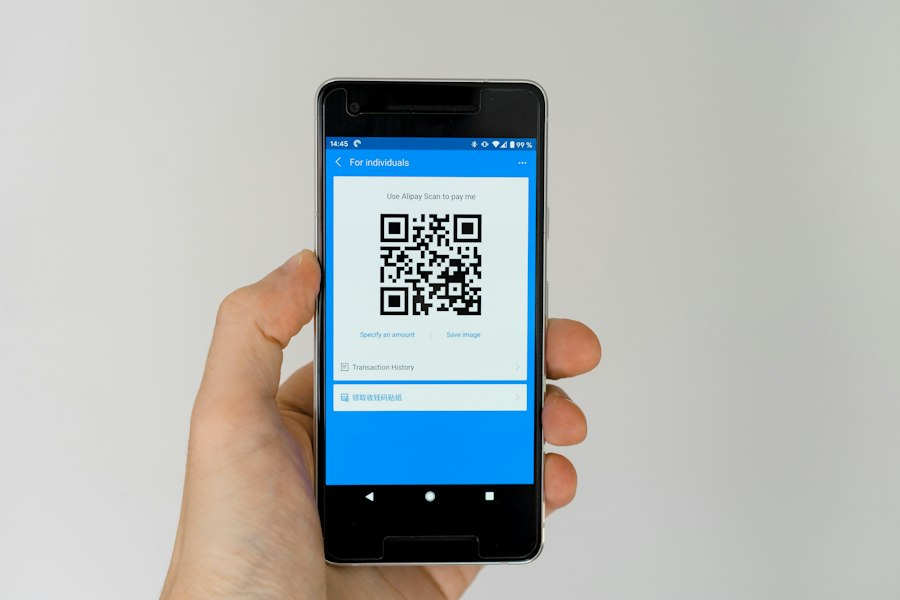
QR codes are everywhere — on restaurant menus, product packaging, bus stops, even gravestones. But if someone asked you to explain what's actually inside that black-and-white square, most people would shrug. Here's the real answer.
The short version
A QR code is a two-dimensional barcode. It stores data as a pattern of black and white squares, and a camera or scanner reads that pattern and converts it back into whatever was encoded — a URL, a phone number, plain text, WiFi credentials, whatever you put in.
The "QR" stands for Quick Response, which was the original selling point: much faster to scan than a regular barcode. A standard 1D barcode can hold maybe 20 numbers. A QR code can hold several thousand characters of text.
Where did QR codes come from?
A Japanese engineer named Masahiro Hara invented QR codes in 1994 while working at Denso Wave, an automotive supplier. The original problem he was trying to solve: tracking car parts on assembly lines. Standard barcodes required multiple scans to capture all the needed information, which slowed things down. Hara's team built a 2D code that could hold far more data and scan instantly from any angle.
Denso Wave held the patent but chose not to enforce it, which is a big reason QR codes are everywhere today. Free to use, no licensing fees.
How does the scanner actually read it?
Three solid squares in the corners of the code are called "finder patterns." The scanner uses them to orient itself — that's why you can scan a QR code upside down or at an angle and it still works. Once the scanner locates those markers, it reads the data cells row by row and converts the pattern into binary, then into the actual information.
There's also a built-in error correction layer. Up to 30% of a QR code can be damaged or obscured and it'll still scan correctly. That's why you see QR codes with logos printed on top of them — the logo covers some data cells, but the error correction fills in the gaps.
How much data can one QR code hold?
A QR code's capacity depends on the type of content and the error correction level you set. At maximum, a single code can hold around 7,000 numeric characters, 4,000 alphanumeric characters, or about 2,900 bytes of binary data. In practice, most QR codes hold a URL — which is well under 100 characters — so capacity is rarely an issue.
More data means more squares, which means a more complex, denser code. Overfill it and the code gets hard to scan, especially on small printed materials. The smartest approach for print use is to keep the encoded data short. Use a short URL.
Static vs dynamic QR codes
A static QR code encodes the destination directly. The URL is baked into the pattern itself. If you need to change it, you have to reprint the code.
A dynamic QR code encodes a short redirect URL. The actual destination is stored on a server and can be changed without touching the printed code. Dynamic codes also track scan analytics. They cost money to use (usually a subscription), but for print campaigns where you need flexibility, they're worth it.
For most personal uses — WiFi passwords, personal websites, contact cards — static is fine. Read more in our guide on dynamic vs static QR codes.
Who can scan QR codes?
Any modern smartphone camera. iOS has had built-in QR scanning since iOS 11. Android added native scanning support around the same time. You just open the camera, point it at the code, and tap the notification that appears. No separate app needed.
Ready to create your own QR code?
Use our free tool to generate one for any URL, WiFi, email, phone number, and more.
Open QR Generator